AI Dance Video Generator — Turn Any Photo Into a Dance Video
FADEO is an AI dance video generator that makes the person, pet or character in one photo perform a viral TikTok dance. Pick a dance template, upload a clear full-body or half-body picture, and the AI animates it with the original choreography, timing and camera framing. There is no prompt to write and no app to install: it runs in your browser. You get a vertical 9:16 MP4 you can download and post to TikTok, Instagram Reels or YouTube Shorts.
- No app to install
- Upload before you sign in
- 9:16 MP4, ready to post
1Pick a dance
Dame Hombro
15s · 9:16Dame Hombro is a dembow TikTok trend—Spanish for “give me the shoulder.” It blew up after Kevin Wai and Bulin 47’s street freestyle / shoulder bounce, then the Oct 7, 2026 track of the same name. Creators either bounce their shoulders on the beat, AI face-swap into the original clip, or cut AI vs handmade on the same drum hits.
2Add your photo
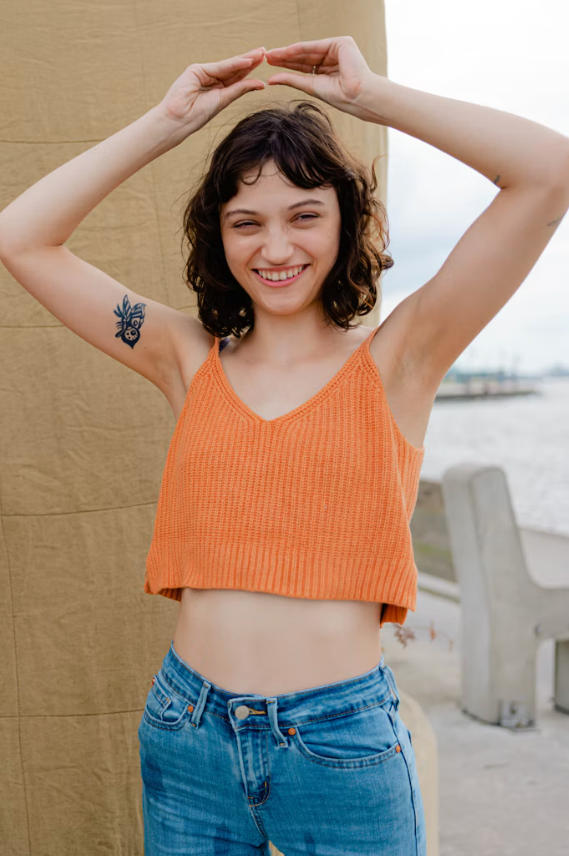
How to make an AI dance video
Four steps, about a minute of your time. The template brings the dance, you bring the photo.
- Step 1
Pick a dance template
Choose a viral dance. Each template already carries the moves, the beat and the framing.
- Step 2
Upload your photo
Add one clear photo of a person, a pet or a character (PNG, JPEG or WebP, up to 10MB).
- Step 3
Generate the dance
Press Generate. The AI turns your photo into the same dance, starring your subject.
- Step 4
Download the MP4
Save the vertical video and post it to TikTok, Reels or Shorts.
Viral dance templates
Tap a dance to load it in the generator above, or open its page to see examples.
Dance
Dame Hombro
Dame Hombro is a dembow TikTok trend—Spanish for “give me the shoulder.” It blew up after Kevin Wai and Bulin 47’s street freestyle / shoulder bounce, then the Oct 7, 2026 track of the same name. Creators either bounce their shoulders on the beat, AI face-swap into the original clip, or cut AI vs handmade on the same drum hits.
Use templateDance
Wipe me down
The dance movement is heavily popularized by Team Carnell (led by Carnell Nichols) featuring energetic, rhythmic street-dance styles rooted in Baltimore and Louisiana culture.
Use templateDance
Bad times
A French creator stands in her kitchen and dramatically acts out a fake argument, matching funny facial expressions and hand gestures to the beat of “Bad Times” by Imael Angel.
Use templateDance
Find the Beat
Find the Beat is a two-person TikTok dance challenge set to the slowed Jersey Club track *Wyw my sweetie #JerseyClub* by nissi & 25Hzz. One person already knows the moves; the other has to catch the beat on camera. The joke is watching them miss it—late steps, wrong timing, total confidence. Keep both people in frame; the contrast is the content.
Use templateDance
Toc Toc Dance
You hop on one foot, knock on a door that isn't there, hop sideways with a kick and finish with your arms flung wide.
Use templateWhat the AI Dance Video Generator does
Dance videos up to 26 seconds long, exported as MP4.
Photo to dance in one step
One still image is all you need. No video shoot, no green screen, no editing timeline.
Full-body motion that follows the dance
Templates are built from the original choreography, so arms, legs and hips move with the beat instead of drifting.
Faces and hands that stay steady
The video model keeps facial features, hands and fingers consistent through fast moves and turns.
People, pets and anime characters
Upload a selfie, your dog or cat, or an illustrated or anime character. Clear, well-lit images give the best result.
Vertical 9:16, ready to post
Every dance video is framed for TikTok, Instagram Reels and YouTube Shorts.
MP4 export
Download a standard MP4 that plays everywhere and drops straight into any editor.
Who makes dance videos with FADEO
No camera, no choreography practice, no app.
TikTok and Reels posts
Join a dance challenge without filming yourself. Post the clip as is or add your own caption and sound.
Anime and OC characters
Make a favorite anime character or your original character dance for fan edits.
Pet dance videos
Turn a photo of your dog or cat into a dance video your followers will share.
Ads and brand content
Make a mascot or product character dance for social ads, and test hooks quickly.
Looking for more than dances? Go to the FADEO home page.
Questions, answered
Photos, pricing, timing and who can see your dance videos.